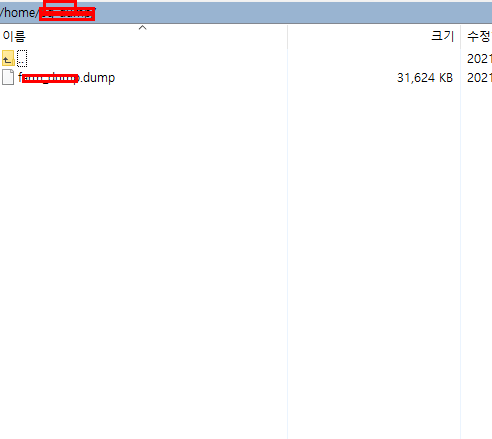
번 작업은 다른 접속 정보를 통해 db를 덤프(백업)하고 우분투에 레스토어(복원)하는 작업이다. 백업을 할 ip로 접속한다(putty) #cd /home #mkdir 백업할 폴더명 #chown postgres:postgres 백업할 폴더명 #su postgres #pg_dump 백업할 디비명 > 백업할 파일명 ex) #pg_dump asdf > asdf.dump winscp로 접속해보면 이렇게 파일이 생겨났다.
이걸 현재 내 컴퓨터 d드라이브에 옮긴다. (복원할 주소에 다시 옮겨야 하기 때문에) 그 다음엔 이것저것 해주면 된다.
톰캣설치, 디비설치, 계정생성, 테이블스페이스생성, pg_hba.conf 설정, postgresql.conf 설정 우선 제일 먼저 postgres 비밀번호 설정 #passwd postgres 원하는 비밀번호 입력 이후에 postgresql.conf 파일을 vi편집기로 연다. 나의 경우 /etc/postgresql/12/main에 있었다.
#cd /etc/po...
#
postgresql디비백업
#
postgresql우분투
#
디비백업
#
우분투db
#
우분투postgresql
#
우분투디비
#
우분투백업
#
우분투톰캣